
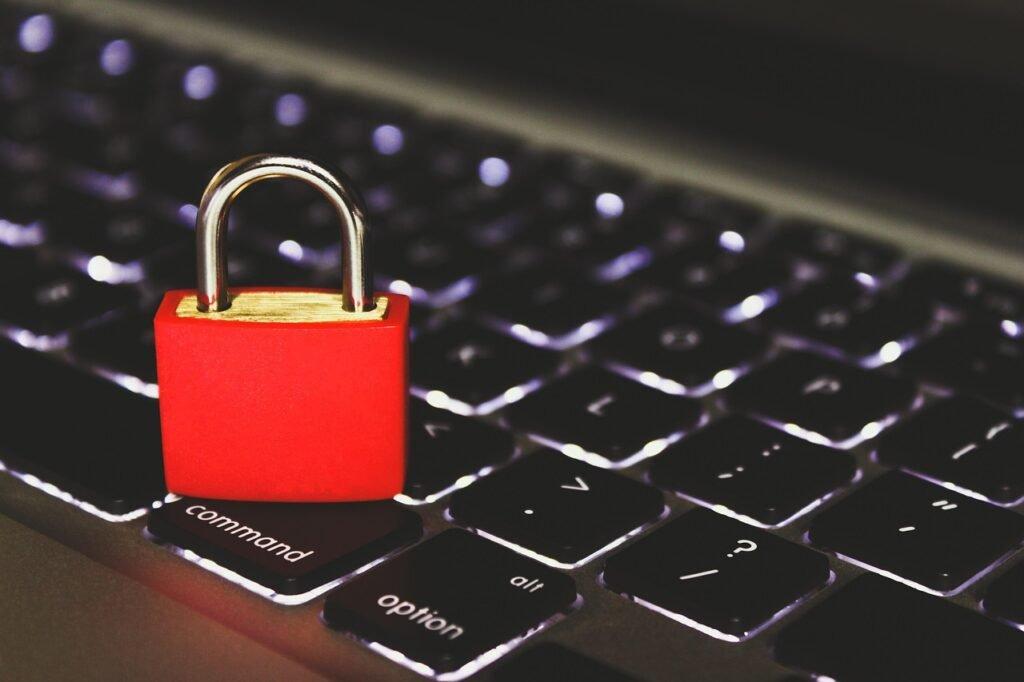
Social media has become an integral part of our lives, connecting us with friends, family, and the wider world. However, this interconnectedness comes with security risks. Protecting your social media accounts and personal information is crucial in today’s digital landscape. This guide provides comprehensive strategies to secure your social media presence, covering everything from strong passwords to privacy settings and threat awareness.
Understanding Social Media Security Risks
Common Threats on Social Media Platforms
Social media platforms are rife with security threats that can compromise your personal information and account integrity. Understanding these threats is the first step towards protecting yourself.
- Phishing Attacks: Scammers often use fake links and deceptive messages to trick users into revealing their login credentials or personal information. Be wary of unsolicited messages, especially those requesting sensitive data.
Example: A message claiming to be from Facebook security asking you to update your password via a link. Always verify the legitimacy of such requests directly through the platform’s official website or app.
- Malware Distribution: Malicious actors can spread malware through infected links or files shared on social media. Clicking on these links can lead to the installation of viruses or other harmful software on your device.
Example: An enticing video or image that, when clicked, downloads a virus onto your computer.
- Account Hacking: Hackers can gain unauthorized access to your social media accounts by using stolen passwords or exploiting vulnerabilities in the platform’s security.
Example: A hacker gains access to your account and posts spam or malicious content, potentially damaging your reputation or spreading malware to your contacts.
- Identity Theft: Social media profiles contain a wealth of personal information that can be used for identity theft. This includes your name, date of birth, location, and interests.
Example: A scammer uses your publicly available information to open a fraudulent credit card account in your name.
The Importance of Secure Social Media Practices
Taking proactive steps to secure your social media accounts is essential for several reasons:
- Protecting Personal Information: Safeguarding your sensitive data from unauthorized access.
- Maintaining Your Reputation: Preventing hackers from posting damaging content on your behalf.
- Preventing Identity Theft: Reducing the risk of your personal information being used for fraudulent activities.
- Avoiding Financial Loss: Protecting yourself from scams and phishing attacks that can lead to financial losses.
- Data Privacy: Controlling the amount of personal data collected and shared by social media platforms.
Strengthening Your Password Security
Creating Strong and Unique Passwords
A strong password is the first line of defense against unauthorized access to your social media accounts. Avoid using easily guessable information like your name, birthday, or common words.
- Length: Aim for at least 12 characters. Longer passwords are more difficult to crack.
- Complexity: Include a mix of uppercase and lowercase letters, numbers, and symbols.
- Uniqueness: Use different passwords for each of your social media accounts and online services.
Example: Instead of using “Password123” for all your accounts, create passwords like “S@f3PasswOrd!4Me” and “MyUniqP@ssWrD_22”.
Utilizing Password Managers
Password managers are tools that securely store your passwords and automatically fill them in when you log in to websites or apps. They can also generate strong, random passwords for you.
- Benefits:
Security: Password managers use encryption to protect your passwords.
Convenience: They eliminate the need to remember multiple complex passwords.
Organization: They help you keep track of all your login credentials in one place.
- Popular Options:
LastPass
1Password
Dashlane
Enabling Two-Factor Authentication (2FA)
Two-factor authentication adds an extra layer of security to your social media accounts by requiring a second verification code in addition to your password. This makes it much harder for hackers to gain access, even if they have your password.
- How it Works:
1. You enter your password as usual.
2. The platform sends a unique verification code to your phone or email.
3. You enter the verification code to complete the login process.
- Enabling 2FA on Major Platforms:
Facebook: Go to Settings & Privacy > Security and Login > Use two-factor authentication.
Twitter: Go to Settings and privacy > Security > Two-factor authentication.
Instagram: Go to Settings > Security > Two-factor authentication.
Configuring Privacy Settings Effectively
Reviewing and Adjusting Privacy Settings
Social media platforms offer a range of privacy settings that allow you to control who can see your posts, profile information, and activity. Regularly review and adjust these settings to protect your privacy.
- Key Settings to Review:
Who can see your posts: Choose whether your posts are visible to everyone, only friends, or a custom list of people.
Who can send you friend requests: Limit friend requests to people you may know or friends of friends.
Who can see your profile information: Control who can see your name, profile picture, contact information, and other details.
Who can tag you in posts: Approve tags before they appear on your profile to prevent unwanted or embarrassing content.
Controlling Data Sharing and App Permissions
Many third-party apps and websites ask for permission to access your social media data. Be cautious about granting these permissions, as they can potentially compromise your privacy.
- Revoking Unnecessary App Permissions: Regularly review the apps and websites that have access to your social media accounts and revoke permissions for those you no longer use or trust.
Example: On Facebook, go to Settings & Privacy > Settings > Apps and Websites to manage app permissions.
- Limiting Data Sharing with Third-Party Apps: Restrict the amount of data that third-party apps can access. Only grant permissions that are necessary for the app to function properly.
Managing Location Services
Social media platforms often track your location to provide location-based services and advertising. However, this can also raise privacy concerns.
- Disabling Location Tracking: Turn off location tracking in your device’s settings and within the social media app itself.
Example: On iOS, go to Settings > Privacy > Location Services to manage location permissions for individual apps.
- Being Mindful of Location-Based Posts: Avoid sharing your exact location in your posts, as this can make you vulnerable to stalkers or burglars.
Identifying and Avoiding Social Media Scams
Recognizing Common Social Media Scams
Social media platforms are a breeding ground for scams and fraudulent activities. Being able to recognize these scams is crucial for protecting yourself.
- Phishing Scams: Scammers use fake links and messages to trick you into revealing your login credentials or personal information.
Example: A message claiming that your account has been compromised and asking you to verify your information by clicking on a link.
- Investment Scams: Scammers promote fake investment opportunities with promises of high returns.
Example: A post on Facebook claiming that you can earn a lot of money by investing in a particular cryptocurrency.
- Romance Scams: Scammers create fake profiles and develop online relationships with victims to gain their trust and eventually ask for money.
Example: A person you met online asks you for money to help them with a medical emergency or to travel to meet you.
- Charity Scams: Scammers exploit natural disasters or other tragedies to solicit donations for fake charities.
Example: A post on Twitter asking for donations to help victims of a recent earthquake, but the account is not affiliated with any legitimate charity.
Practicing Safe Browsing Habits
Adopting safe browsing habits can significantly reduce your risk of falling victim to social media scams.
- Verify Links Before Clicking: Hover over links to see where they lead before clicking on them. Be wary of shortened URLs or links that look suspicious.
- Beware of Suspicious Messages: Be cautious of unsolicited messages, especially those asking for personal information or money.
- Report Suspicious Activity: Report any suspicious accounts or posts to the social media platform.
Keeping Software Up-to-Date
Regularly updating your operating system, web browser, and antivirus software can help protect your device from malware and other security threats. Software updates often include security patches that address known vulnerabilities.
- Enabling Automatic Updates: Configure your devices and software to automatically download and install updates.
- Using Reputable Antivirus Software: Install and regularly update reputable antivirus software to detect and remove malware.
Protecting Your Online Reputation
Being Mindful of What You Share
Everything you post on social media can be seen by a wide audience and can potentially impact your reputation. Be mindful of the content you share and avoid posting anything that could be considered offensive, inappropriate, or damaging.
- Think Before You Post: Consider the potential consequences of your posts before sharing them.
- Avoid Sharing Sensitive Information: Avoid sharing personal information that could be used for identity theft or other fraudulent activities.
- Be Respectful: Treat others with respect online and avoid engaging in arguments or personal attacks.
Monitoring Your Online Presence
Regularly monitor your social media profiles and online reputation to identify and address any potentially damaging content.
- Setting Up Google Alerts: Create Google Alerts for your name, business, and other relevant keywords to track mentions online.
- Using Social Media Monitoring Tools: Use social media monitoring tools to track your brand’s reputation and identify any negative feedback or comments.
Responding to Negative Feedback Professionally
If you receive negative feedback or comments on social media, respond professionally and constructively.
- Acknowledge the Feedback: Acknowledge the person’s concerns and show that you are listening.
- Offer a Solution: If possible, offer a solution to the problem or concern.
- Take the Conversation Offline: If the issue is complex or sensitive, offer to take the conversation offline to resolve it privately.
Conclusion
Securing your social media presence is an ongoing process that requires diligence and awareness. By implementing the strategies outlined in this guide, including creating strong passwords, configuring privacy settings, and being vigilant about scams, you can significantly reduce your risk of falling victim to social media security threats. Regularly review and update your security practices to stay ahead of evolving threats and protect your personal information and online reputation. Social media should be a tool for connection, not a gateway to compromise.







