
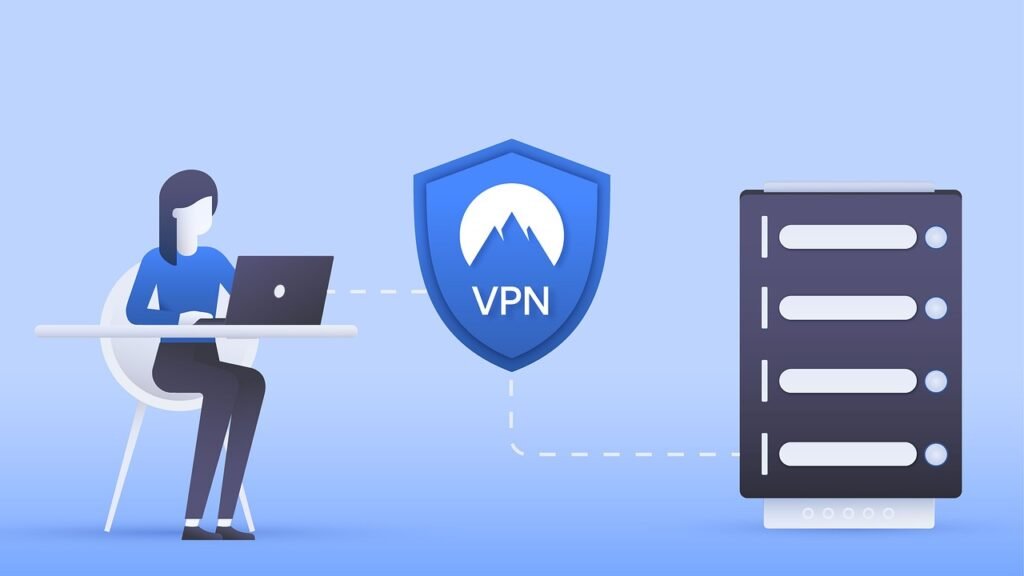
Protecting your digital assets is paramount in today’s interconnected world. A robust network firewall stands as the first line of defense against a multitude of cyber threats, safeguarding your sensitive data, preventing unauthorized access, and ensuring business continuity. This guide will delve into the intricacies of network firewalls, explaining their functionalities, types, and best practices for implementation.
Understanding Network Firewalls
What is a Network Firewall?
A network firewall is a security system that monitors and controls incoming and outgoing network traffic based on predetermined security rules. It acts as a barrier between a trusted internal network and an untrusted external network, such as the internet. By inspecting network packets and comparing them against a defined set of rules, a firewall can block malicious traffic, prevent unauthorized access to your network resources, and protect your systems from cyberattacks.
- Function: Filter network traffic based on security rules.
- Goal: Prevent unauthorized access and protect network resources.
- Analogy: Like a security guard at the entrance of a building, a firewall examines each request and allows only authorized individuals (or traffic) to pass through.
Why are Network Firewalls Important?
Network firewalls are crucial for any organization, regardless of size, because they:
- Protect Sensitive Data: Prevent data breaches and unauthorized access to confidential information like customer data, financial records, and intellectual property.
- Prevent Malware Infections: Block malicious software from entering your network and infecting your systems.
- Control Network Access: Manage which users and applications have access to specific network resources.
- Ensure Business Continuity: Minimize the risk of downtime and disruptions caused by cyberattacks.
- Meet Compliance Requirements: Help organizations comply with industry regulations and data protection laws like GDPR, HIPAA, and PCI DSS.
According to the 2023 Verizon Data Breach Investigations Report, “63% of breaches involved exploitation of weak, default, or stolen passwords.” A firewall, when configured properly, can mitigate the impact of such vulnerabilities by restricting access even with compromised credentials.
Types of Network Firewalls
Packet Filtering Firewalls
Packet filtering firewalls are the most basic type of firewall. They examine individual data packets and compare their headers (source and destination IP addresses, ports, protocols) against a set of rules. If a packet matches a rule that permits the traffic, it is allowed through; otherwise, it is blocked.
- Pros: Simple, fast, and relatively inexpensive.
- Cons: Limited security capabilities; doesn’t examine the content of packets.
- Example: Blocking all traffic from a specific IP address or denying access to a particular port.
Stateful Inspection Firewalls
Stateful inspection firewalls go beyond packet filtering by tracking the state of network connections. They examine not only the packet header but also the context of the conversation, ensuring that packets are part of legitimate, established sessions. This provides a more robust level of security than packet filtering.
- Pros: More secure than packet filtering; tracks connection states.
- Cons: More resource-intensive than packet filtering.
- Example: Allowing only packets that are part of an established TCP connection initiated from within the network.
Proxy Firewalls
Proxy firewalls act as intermediaries between internal and external networks. They intercept all traffic and forward it on behalf of the client, masking the internal network’s IP addresses and making it more difficult for attackers to directly target internal systems. They also provide advanced filtering and logging capabilities.
- Pros: High level of security; hides internal network details.
- Cons: Can introduce latency; requires significant resources.
- Example: A proxy firewall can filter web traffic based on URL categories, blocking access to websites that are known to host malware or phishing content.
Next-Generation Firewalls (NGFWs)
Next-generation firewalls (NGFWs) combine the features of traditional firewalls with advanced security capabilities such as:
- Intrusion Prevention Systems (IPS): Detect and prevent malicious activities like exploits, malware, and botnet communications.
- Application Control: Identify and control specific applications, regardless of the port they use.
- Deep Packet Inspection (DPI): Examine the content of packets to identify and block malicious payloads.
- SSL/TLS Inspection: Decrypt and inspect encrypted traffic for hidden threats (Note: be aware of privacy regulations when decrypting traffic).
- Threat Intelligence Integration: Utilize real-time threat intelligence feeds to identify and block emerging threats.
NGFWs provide a comprehensive security solution that addresses the evolving threat landscape.
- Pros: Comprehensive security; advanced features.
- Cons: More expensive and complex to configure.
- Example: An NGFW can identify and block a specific type of ransomware attack based on its behavior and network traffic patterns.
Cloud Firewalls (Firewall-as-a-Service)
Cloud firewalls, also known as Firewall-as-a-Service (FWaaS), are delivered as a cloud-based service. They offer the same functionalities as traditional firewalls, but without the need for on-premises hardware or software. They are ideal for organizations with distributed networks and cloud-based applications.
- Pros: Scalable, flexible, and cost-effective; easier to manage.
- Cons: Reliance on a third-party provider; potential latency issues.
- Example: A cloud firewall can protect a web application hosted on AWS or Azure from DDoS attacks and other web-based threats.
Firewall Placement and Architecture
Network Segmentation
Network segmentation involves dividing a network into smaller, isolated segments. This limits the impact of a security breach by preventing attackers from moving laterally across the network. Firewalls play a crucial role in enforcing segmentation policies.
- Example: Separating the corporate network from the guest Wi-Fi network or isolating sensitive data on a separate network segment with restricted access.
DMZ (Demilitarized Zone)
A DMZ is a network segment that sits between the internal network and the internet. It hosts publicly accessible services like web servers and email servers, providing a buffer zone between the untrusted external network and the trusted internal network. A firewall protects the internal network by preventing direct access from the internet to internal systems.
- Example: Placing a web server in a DMZ ensures that even if the web server is compromised, the attacker cannot directly access the internal network.
Firewall Clustering
Firewall clustering involves grouping multiple firewalls together to provide high availability and scalability. If one firewall fails, the other firewalls in the cluster automatically take over, ensuring that network traffic continues to flow uninterrupted.
- Example: A cluster of two or more firewalls can handle a large volume of network traffic and provide redundancy in case of failure.
Firewall Rule Configuration and Management
Rule Order Matters
Firewall rules are processed in order, so the order in which they are configured is critical. Rules should be ordered from most specific to least specific. The first rule that matches a packet’s characteristics is the one that is applied.
- Example: A rule that allows access to a specific application should be placed before a rule that blocks all traffic from a particular IP address.
Principle of Least Privilege
The principle of least privilege dictates that users and applications should only have the minimum necessary access to network resources. Firewalls should be configured to enforce this principle by restricting access to only what is absolutely required.
- Example: Granting a user access to only the specific folders and applications they need to perform their job duties.
Regular Rule Review and Updates
Firewall rules should be reviewed and updated regularly to ensure that they are still relevant and effective. Outdated or unnecessary rules can create security vulnerabilities. New rules should be added as new applications and services are deployed.
- Example: Reviewing firewall rules every quarter to identify and remove any rules that are no longer needed or that could be tightened.
Conclusion
Network firewalls are an indispensable component of any robust cybersecurity strategy. Understanding the different types of firewalls, their functionalities, and best practices for configuration and management is essential for protecting your organization’s valuable data and ensuring business continuity. By implementing a well-designed firewall architecture and adhering to the principles of least privilege and regular rule reviews, you can significantly reduce the risk of cyberattacks and maintain a secure network environment. Remember that security is not a one-time implementation but an ongoing process that requires continuous monitoring, adaptation, and improvement.







