
Working remotely has revolutionized the modern workforce, offering unparalleled flexibility and convenience. However, this shift comes with significant security challenges. Ensuring robust remote work security is crucial for protecting sensitive data, maintaining business continuity, and preserving your organization’s reputation. Let’s dive into the essential strategies and best practices to secure your remote work environment.
Understanding the Remote Work Security Landscape
The Increased Attack Surface
Remote work inherently expands the attack surface for cybercriminals. Employees working from home often use personal devices and networks, which may lack the robust security measures found in a traditional office setting.
- Unsecured Networks: Home Wi-Fi networks can be vulnerable to hacking if not properly secured with strong passwords and encryption.
- Personal Devices: Using personal laptops and phones for work increases the risk of malware infections and data breaches.
- Lack of Physical Security: Sensitive documents and devices may be left unattended in less secure home environments.
For example, a recent study showed that organizations with remote workers experienced a 67% increase in security incidents compared to those with fully on-site employees. This highlights the urgent need for comprehensive remote work security strategies.
Common Remote Work Security Threats
Understanding the types of threats targeting remote workers is the first step in building a strong defense.
- Phishing Attacks: Cybercriminals often target remote workers with sophisticated phishing emails designed to steal login credentials or install malware.
- Malware and Ransomware: Infected devices can compromise sensitive data and disrupt business operations.
- Data Breaches: Unsecured devices or networks can lead to data breaches, exposing confidential information.
- Insider Threats: While often unintentional, employees may inadvertently expose data through negligence or lack of awareness.
- Weak Passwords: Using weak or reused passwords makes it easy for attackers to gain unauthorized access.
A common scenario involves a remote worker clicking on a phishing email that appears to be from their IT department, leading to the installation of ransomware on their device. This can encrypt critical files and demand a ransom payment, causing significant disruption and financial loss.
Implementing Robust Authentication and Access Control
Multi-Factor Authentication (MFA)
MFA adds an extra layer of security by requiring users to provide multiple forms of verification before accessing company resources. This significantly reduces the risk of unauthorized access, even if a password is compromised.
- How it Works: Typically involves something the user knows (password), something they have (phone or security token), and something they are (biometrics).
- Benefits: Makes it significantly harder for attackers to gain access, even with stolen credentials.
- Example: Requiring users to enter a code sent to their smartphone after entering their password.
Role-Based Access Control (RBAC)
RBAC restricts access to sensitive data and systems based on an employee’s role within the organization. This ensures that users only have access to the information they need to perform their job duties.
- Principle of Least Privilege: Granting users the minimum level of access necessary to perform their tasks.
- Implementation: Defining roles and assigning specific permissions to each role.
- Example: A marketing employee might have access to marketing materials but not financial data.
Strong Password Policies
Enforcing strong password policies is essential for preventing unauthorized access.
- Requirements: Passwords should be complex, unique, and regularly changed.
- Password Managers: Encourage employees to use password managers to generate and store strong passwords securely.
- Example: Requiring passwords to be at least 12 characters long, include a mix of uppercase and lowercase letters, numbers, and symbols, and be changed every 90 days.
Securing Devices and Networks
Endpoint Security Solutions
Endpoint security solutions provide comprehensive protection for remote devices, including laptops, desktops, and mobile devices.
- Antivirus and Anti-Malware: Detect and remove malicious software.
- Firewall: Block unauthorized access to the device.
- Endpoint Detection and Response (EDR): Monitor device activity for suspicious behavior and respond to threats.
- Example: Deploying a cloud-based EDR solution that provides real-time threat detection and automated response capabilities.
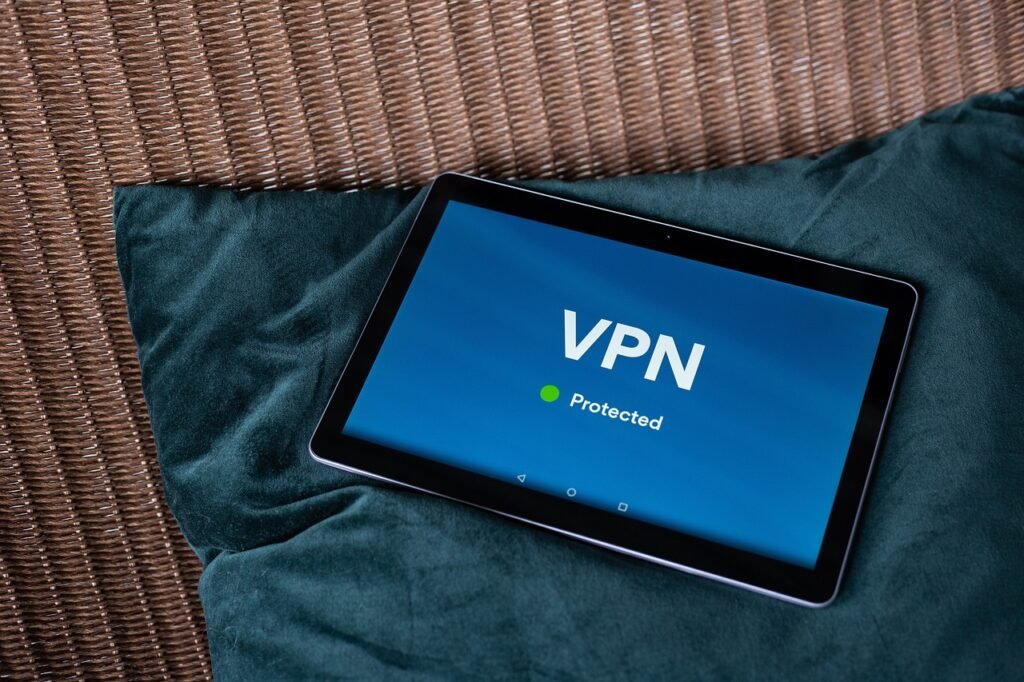
Virtual Private Networks (VPNs)
VPNs create a secure, encrypted connection between a remote device and the company network, protecting data in transit.
- How it Works: Encrypts all network traffic, making it unreadable to eavesdroppers.
- Benefits: Protects sensitive data from being intercepted on public Wi-Fi networks.
- Example: Requiring all remote workers to connect to the company VPN before accessing company resources.
Device Management and Monitoring
Implementing a mobile device management (MDM) or unified endpoint management (UEM) solution allows you to remotely manage and monitor devices, ensuring they are secure and compliant with company policies.
- Features: Remote wipe, password enforcement, software updates, and application management.
- Benefits: Ensures devices are secure and up-to-date, even when they are not on the company network.
- Example: Using MDM to remotely wipe a lost or stolen laptop, preventing unauthorized access to sensitive data.
Employee Training and Awareness
Security Awareness Training
Regular security awareness training is crucial for educating employees about the latest threats and best practices for staying safe online.
- Topics Covered: Phishing, malware, password security, social engineering, and data privacy.
- Delivery Methods: Online courses, webinars, and interactive simulations.
- Example: Conducting quarterly security awareness training sessions that include simulated phishing attacks to test employees’ ability to identify and report suspicious emails.
Phishing Simulations
Phishing simulations are a valuable tool for assessing employees’ vulnerability to phishing attacks and identifying areas for improvement.
- How it Works: Sending simulated phishing emails to employees and tracking their responses.
- Benefits: Helps identify employees who are most likely to fall for phishing scams and provides targeted training to improve their awareness.
- Example: Sending a simulated phishing email that appears to be from a popular online retailer, offering a discount on a product.
Clear Security Policies and Procedures
Establishing clear security policies and procedures is essential for providing employees with clear guidelines on how to protect company data.
- Examples: Remote work policy, data security policy, acceptable use policy.
- Communication: Ensuring that employees are aware of these policies and understand their responsibilities.
- Example: A remote work policy that outlines the requirements for securing home networks and devices, as well as the consequences for violating security policies.
Data Protection and Compliance
Data Encryption
Encrypting sensitive data both in transit and at rest is essential for protecting it from unauthorized access.
- Encryption Methods: Full-disk encryption, file encryption, and email encryption.
- Benefits: Makes data unreadable to unauthorized parties, even if it is stolen or compromised.
- Example: Encrypting all laptops and hard drives to protect data in case of theft or loss.
Data Loss Prevention (DLP)
DLP solutions help prevent sensitive data from leaving the organization’s control.
- Features: Monitoring data in transit, data at rest, and data in use.
- Benefits: Prevents accidental or intentional data leaks.
- Example: Implementing a DLP policy that blocks employees from sending sensitive documents to personal email addresses.
Compliance Requirements
Ensure that your remote work security practices comply with relevant industry regulations and data privacy laws, such as GDPR, HIPAA, and CCPA.
- Regular Audits: Conducting regular security audits to identify and address potential vulnerabilities.
- Compliance Documentation: Maintaining detailed documentation of your security practices to demonstrate compliance to regulators and customers.
- Example: Implementing a data privacy policy that complies with GDPR requirements, including obtaining consent for data collection and providing individuals with the right to access, rectify, and erase their personal data.
Conclusion
Securing remote work environments requires a comprehensive and proactive approach. By implementing robust authentication, securing devices and networks, training employees, and protecting data, organizations can mitigate the risks associated with remote work and ensure the security of their sensitive information. Remember to continuously monitor and adapt your security strategies to stay ahead of emerging threats and maintain a secure remote work environment. Embrace these strategies to empower your remote workforce while safeguarding your organization’s valuable assets.







