
Mobile devices have become indispensable extensions of our lives, storing everything from personal photos and bank details to sensitive work documents. This makes them prime targets for cybercriminals. Just like your computer needs antivirus software, so too does your smartphone or tablet. Ignoring mobile security is a gamble you can’t afford to take. This blog post will delve into the world of mobile antivirus, exploring why it’s crucial, how it works, and how to choose the best protection for your device.
Why You Need Antivirus for Mobile
The Growing Threat Landscape
Mobile malware is on the rise. According to recent reports, mobile malware attacks are becoming increasingly sophisticated and frequent. What was once a PC-dominated threat landscape is now equally, if not more, focused on mobile devices. These attacks can lead to:
- Data Theft: Hackers can steal your personal information, including passwords, credit card details, and contacts.
- Financial Loss: Malware can be used to make unauthorized purchases or access your bank accounts.
- Identity Theft: Your stolen personal information can be used to impersonate you and commit fraud.
- Device Hijacking: Malware can take control of your device, using it to send spam or participate in botnets.
Misconceptions About Mobile Security
Many believe that because mobile operating systems like Android and iOS are inherently secure, antivirus is unnecessary. While these platforms do have built-in security features, they aren’t foolproof.
- App Store Vulnerabilities: Malicious apps can sometimes bypass security checks and make their way onto app stores.
- Outdated Operating Systems: Users with older devices may not receive the latest security updates, leaving them vulnerable to exploits.
- User Error: Clicking on phishing links or downloading apps from untrusted sources can compromise your device’s security, regardless of built-in protections.
Practical Examples of Mobile Threats
Here are some real-world examples of how mobile devices can be compromised:
- Fake Apps: Malicious apps disguised as legitimate ones can trick users into downloading them. For example, a fake version of a popular game might steal your login credentials.
- Phishing Attacks: Phishing emails and SMS messages can lure you into clicking on malicious links that install malware or steal your personal information.
- Public Wi-Fi Risks: Connecting to unsecured public Wi-Fi networks can expose your data to hackers.
How Mobile Antivirus Works
Scanning for Malware
The core function of mobile antivirus is to scan your device for malicious software.
- Real-time Scanning: This constantly monitors your device for suspicious activity and new threats.
- On-Demand Scanning: This allows you to manually scan your device for malware at any time.
- Cloud Scanning: Some antivirus solutions use cloud-based scanning to identify threats more efficiently. This allows them to keep up-to-date with the latest threats without bogging down your device’s resources.
Blocking Malicious Websites and Links
Mobile antivirus can block access to known malicious websites and links, preventing you from accidentally downloading malware or falling victim to phishing attacks.
- URL Filtering: This technology identifies and blocks access to websites known to host malware or engage in phishing.
- Link Scanning: Antivirus apps can scan links in SMS messages and emails to identify potentially malicious ones.
Protecting Against Unsafe Wi-Fi Networks
As mentioned earlier, public Wi-Fi networks can be a security risk. Antivirus solutions often include features to protect you when using these networks.
- Wi-Fi Security Audits: These scans identify vulnerabilities in Wi-Fi networks, such as weak passwords or outdated security protocols.
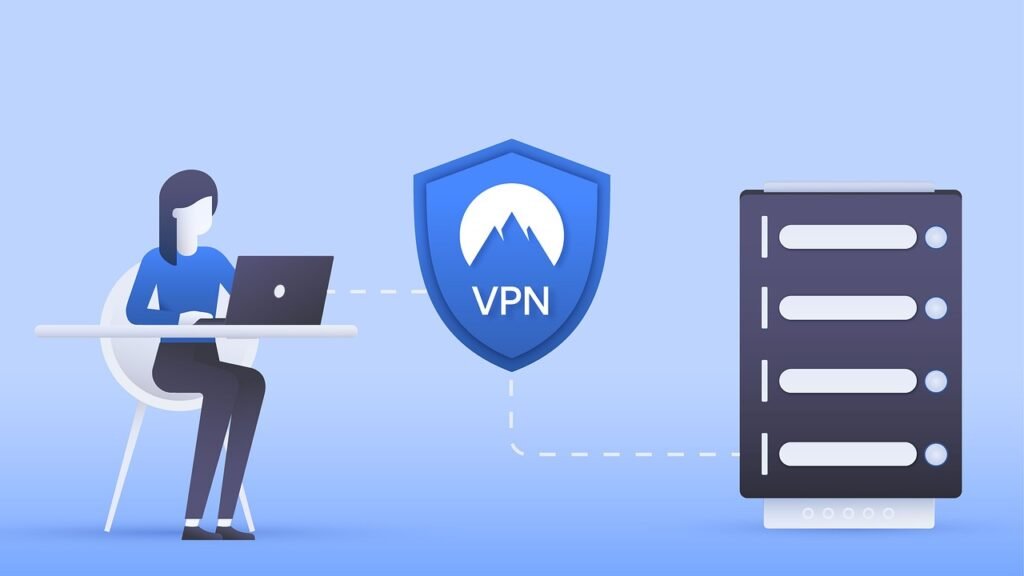
- VPN Integration: Some antivirus apps include a virtual private network (VPN) to encrypt your internet traffic and protect your data from eavesdropping.
Example: How Antivirus Prevents a Threat
Imagine you accidentally click a link in an SMS message that leads to a fake banking website. Your antivirus app would:
Choosing the Right Mobile Antivirus
Key Features to Look For
When selecting a mobile antivirus app, consider the following features:
- Malware Scanning: Effective and up-to-date malware detection is essential.
- Real-time Protection: Continuous monitoring for threats is crucial.
- Web Protection: Protection against malicious websites and phishing attacks.
- Wi-Fi Security: Features to protect you on public Wi-Fi networks.
- App Scanner: Scans newly installed apps for malware and privacy risks.
- Anti-Theft Features: Remote device locking, wiping, and location tracking.
- Privacy Features: App permissions management, privacy reports, and VPN.
Comparing Free vs. Paid Antivirus
Many antivirus apps offer both free and paid versions.
- Free Antivirus: Often provides basic malware scanning and protection. Can include ads.
- Paid Antivirus: Usually offers more comprehensive protection, including advanced features like web protection, Wi-Fi security, and anti-theft tools. Typically ad-free.
Choosing between free and paid depends on your needs and budget. If you just need basic protection, a free app might suffice. However, for more comprehensive security, a paid app is recommended.
Reputable Antivirus Providers
Research and choose antivirus apps from reputable providers with a proven track record. Some well-known options include:
- Norton Mobile Security
- McAfee Mobile Security
- Bitdefender Mobile Security
- Kaspersky Mobile Antivirus
- Avast Mobile Security
Always check independent reviews and ratings before making a decision.
Best Practices for Mobile Security
Keeping Your Device Updated
Regularly update your mobile operating system and apps to patch security vulnerabilities.
- Enable automatic updates: This ensures that your device always has the latest security patches.
- Be wary of installing apps from unknown sources: Stick to official app stores like Google Play and the Apple App Store.
Being Careful About Permissions
Pay attention to the permissions that apps request before installing them.
- Grant only necessary permissions: If an app asks for permissions that seem unrelated to its function, be cautious.
- Review app permissions regularly: Check which permissions your apps have and revoke any that are unnecessary.
Using Strong Passwords and Two-Factor Authentication
Protect your device and accounts with strong, unique passwords and enable two-factor authentication whenever possible.
- Use a password manager: This can help you generate and store strong passwords.
- Enable biometrics: Use fingerprint or facial recognition to unlock your device.
Avoiding Phishing Scams
Be cautious of suspicious emails, SMS messages, and websites that ask for your personal information.
- Don’t click on links from unknown senders: Always verify the sender’s identity before clicking on any links.
- Be wary of urgent requests: Phishing scams often try to create a sense of urgency to trick you into acting quickly.
Conclusion
Mobile devices are increasingly vulnerable to cyber threats, making antivirus protection essential. By understanding the risks, choosing the right antivirus app, and following best practices for mobile security, you can significantly reduce your risk of becoming a victim of mobile malware. Take proactive steps to protect your device and your personal information. Don’t wait until it’s too late!





