
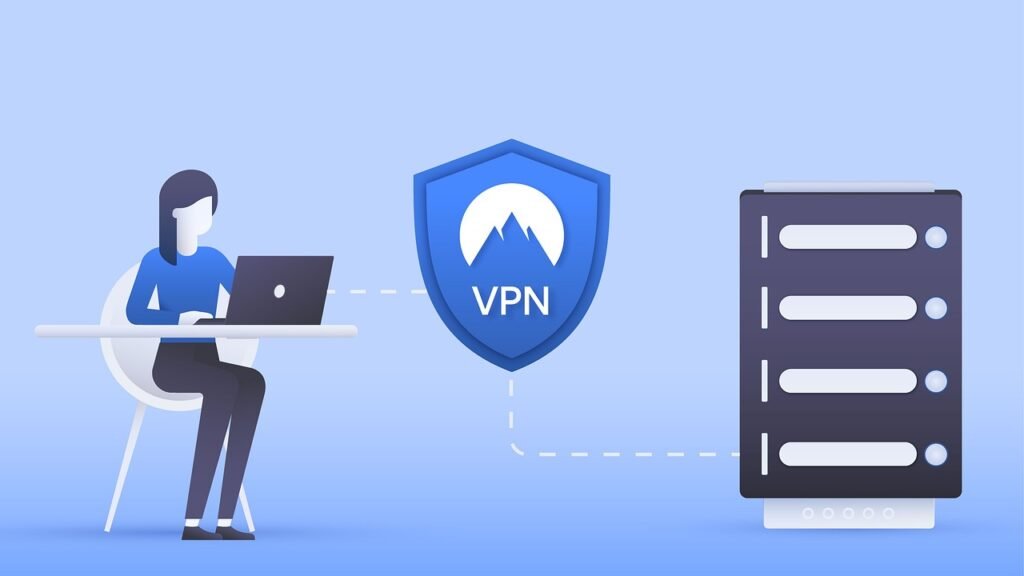
Protecting your digital life in today’s interconnected world is paramount. A reliable antivirus solution is a crucial component of that protection, but simply installing an antivirus program isn’t enough. Understanding and implementing antivirus best practices is essential to maximizing your security and minimizing your risk of falling victim to malware, viruses, and other cyber threats. This guide provides a comprehensive overview of how to effectively use antivirus software and other security measures to safeguard your data and devices.
Choosing the Right Antivirus Software
Selecting the appropriate antivirus software is the first, and perhaps most crucial, step in establishing a robust security posture. With a multitude of options available, each boasting different features and capabilities, making the right choice can feel overwhelming.
Understanding Your Needs
Before committing to any specific antivirus solution, take the time to assess your individual needs and risk profile. Consider the following:
- Number of devices: Do you need protection for a single computer, or multiple devices, including smartphones and tablets? Many antivirus providers offer multi-device licenses.
- Operating systems: Ensure the antivirus software is compatible with your operating systems (Windows, macOS, Android, iOS).
- Usage patterns: Are you a heavy internet user who downloads files frequently, or do you primarily browse websites? Certain antivirus programs offer enhanced protection against specific types of threats.
- Budget: Antivirus solutions range from free to premium subscriptions. Determine your budget and look for the best value within your price range.
Key Features to Look For
When evaluating antivirus software, prioritize solutions that offer the following essential features:
- Real-time scanning: Continuous monitoring of files and processes for suspicious activity.
- Regular updates: Frequent updates to the virus definition database to detect and remove the latest threats.
- Heuristic analysis: The ability to identify new or unknown malware based on its behavior.
- Firewall: A network security system that monitors and controls incoming and outgoing network traffic.
- Anti-phishing: Protection against phishing attacks designed to steal your personal information.
- Ransomware protection: Specific defenses against ransomware attacks that encrypt your files and demand a ransom.
- Scanning options: The ability to run full system scans, quick scans, and custom scans.
Research and Compare
Don’t rely solely on vendor marketing materials. Research different antivirus solutions, read reviews from reputable sources, and compare features and pricing. Consider using independent testing labs like AV-Test and AV-Comparatives to evaluate the performance of different antivirus products. These labs conduct rigorous testing to assess the effectiveness of antivirus software against a wide range of threats. They often provide detailed reports that can help you make an informed decision.
Configuring Your Antivirus for Optimal Protection
Installing antivirus software is just the beginning. Proper configuration is crucial to ensure it effectively protects your system. Default settings are often not sufficient for robust security.
Scheduling Regular Scans
Schedule regular full system scans to thoroughly check your computer for malware. Running scans at least once a week, or even daily, is highly recommended.
- Example: Schedule a full system scan to run automatically every Sunday night when you’re not using your computer.
- Benefit: Proactive detection and removal of malware that may have bypassed real-time protection.
Keeping Software Updated
Antivirus software relies on regularly updated virus definition databases to identify and remove the latest threats. Enable automatic updates to ensure your antivirus software is always up-to-date.
- Why it’s important: New malware strains are constantly being developed, and outdated antivirus software cannot effectively protect against them.
- Actionable takeaway: Check your antivirus settings to ensure automatic updates are enabled and set to run frequently.
Customizing Scan Settings
Explore your antivirus software’s scan settings to customize the level of protection. You may be able to adjust the sensitivity of the scans, exclude certain files or folders from scanning, and enable advanced features like heuristic analysis.
- Example: If you’re a developer, you might exclude your development folders from scanning to improve performance. However, be aware of the potential security risks associated with this.
- Caution: Only exclude files or folders from scanning if you are absolutely certain they are safe.
Safe Browsing Habits and Online Security
Antivirus software is a valuable tool, but it’s not a substitute for safe browsing habits. Practicing good online security hygiene is essential to minimize your risk of infection.
Avoiding Suspicious Websites and Downloads
Be cautious when browsing the internet and avoid visiting suspicious websites or downloading files from untrusted sources. Look for the padlock icon in your browser’s address bar, indicating a secure (HTTPS) connection.
- Red flags: Websites with poor grammar, excessive pop-up ads, or offers that seem too good to be true.
- Practical tip: Always download software directly from the official website of the vendor.
Recognizing and Avoiding Phishing Attacks
Phishing attacks are designed to trick you into revealing your personal information, such as passwords and credit card numbers. Be wary of suspicious emails or messages that ask you to click on links or provide sensitive information.
- Example: A phishing email might impersonate your bank and ask you to update your account information.
- Protection: Never click on links in suspicious emails. Instead, visit the website of the organization directly by typing the address into your browser.
Using Strong Passwords and Two-Factor Authentication
Use strong, unique passwords for all your online accounts. A strong password should be at least 12 characters long and include a combination of uppercase and lowercase letters, numbers, and symbols. Enable two-factor authentication (2FA) whenever possible for an extra layer of security.
- Password managers: Consider using a password manager to generate and store strong passwords securely.
- Benefits of 2FA: Even if someone manages to steal your password, they won’t be able to access your account without the second factor of authentication (e.g., a code sent to your phone).
Dealing with Suspicious Files and Infections
Even with the best antivirus software and safe browsing habits, you may still encounter suspicious files or infections. Knowing how to handle these situations is crucial to minimize the damage.
Isolating Suspicious Files
If you encounter a file that you suspect may be infected, do not open it. Instead, isolate the file by moving it to a secure location or quarantining it using your antivirus software.
- Quarantine: Antivirus software typically provides a quarantine feature that isolates suspicious files from the rest of your system.
- Rationale: This prevents the file from executing and potentially infecting your computer.
Running a Deep Scan
If you suspect your computer has been infected, run a deep scan with your antivirus software. A deep scan will thoroughly check your entire system for malware, including hidden or embedded threats.
- Patience is key: Deep scans can take several hours to complete, so be prepared to let it run overnight.
Seeking Professional Help
If you are unable to remove a malware infection on your own, seek professional help from a qualified computer technician. They have the expertise and tools to remove even the most persistent malware.
- Reputable sources: Look for reputable computer repair shops or online security services with experienced technicians.
Beyond Antivirus: Layered Security Approach
While antivirus software is an essential security tool, it should be part of a broader, layered security approach. Relying solely on antivirus software is not sufficient to protect against all threats.
Firewalls and Network Security
A firewall is a network security system that monitors and controls incoming and outgoing network traffic. Ensure your firewall is enabled and configured correctly to block unauthorized access to your system.
- Hardware vs. Software Firewalls: Modern operating systems typically come with a built-in software firewall. You may also have a hardware firewall built into your router.
- Configuration: Learn how to configure your firewall to allow legitimate traffic while blocking malicious traffic.
Software Updates and Patch Management
Keep your operating system and all software applications up-to-date with the latest security patches. Software vulnerabilities are often exploited by attackers to gain access to your system.
- Automatic updates: Enable automatic updates whenever possible to ensure your software is always up-to-date.
- Third-party software: Pay attention to updates for third-party software, such as Adobe Flash Player, Java, and web browsers.
Regular Backups
Regularly back up your important files to an external hard drive, cloud storage, or other secure location. In the event of a malware infection, hardware failure, or other disaster, you can restore your files from the backup.
- Backup frequency: Determine how often you need to back up your files based on how frequently they change.
- Testing: Regularly test your backups to ensure they are working correctly.
- The 3-2-1 rule: A good backup strategy follows the 3-2-1 rule: have three copies of your data, on two different media, with one copy stored offsite.
Conclusion
Protecting your digital security is an ongoing process. By implementing these antivirus best practices, adopting safe browsing habits, and taking a layered security approach, you can significantly reduce your risk of falling victim to malware and other cyber threats. Remember that antivirus software is a valuable tool, but it’s not a magic bullet. Staying informed, being vigilant, and practicing good online security hygiene are essential to maintaining a secure digital life.





